
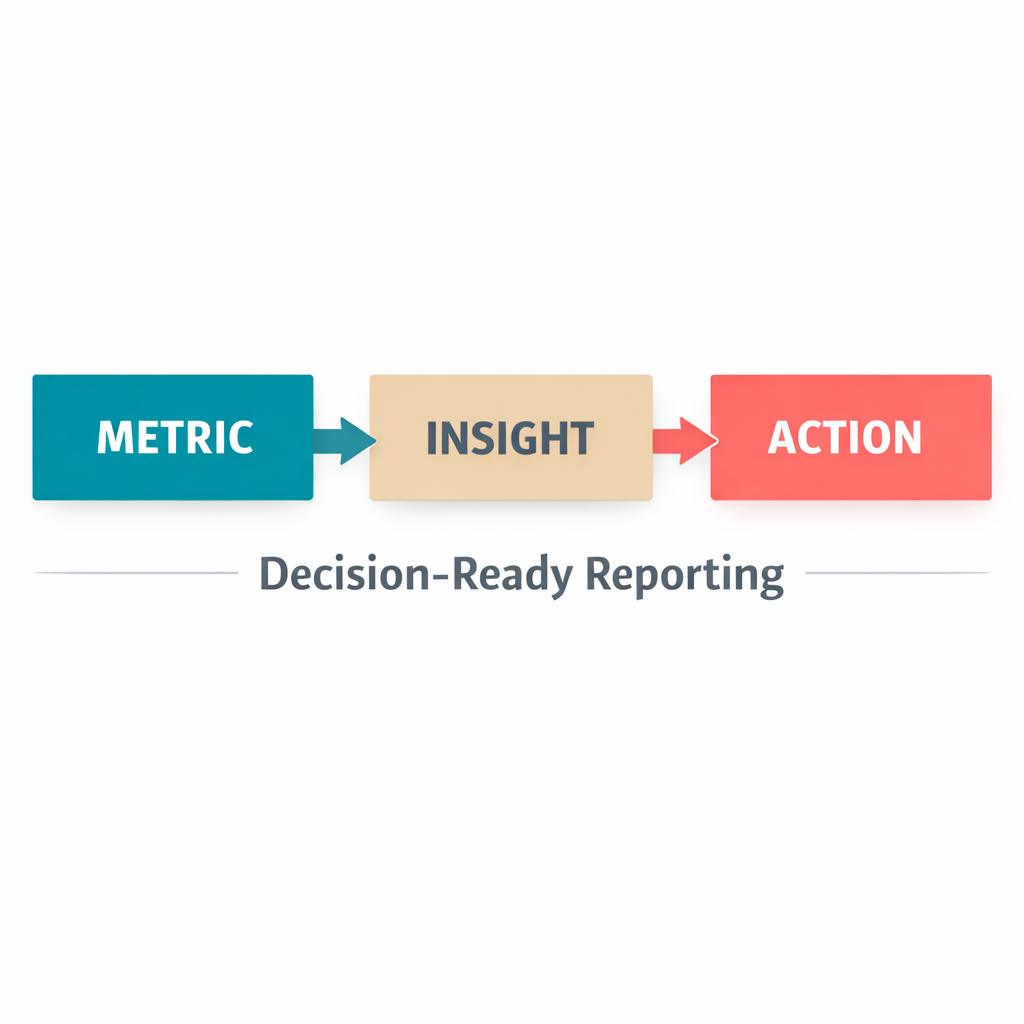
Why Dashboards Fail: Metrics Without Actions
You open your dashboard, and there it is… a sea of numbers, charts, and graphs. Revenue, conversions, click-through rates, and cost-per-acquisition all neatly displayed. But as you stare at the screen, you realize something is missing: You don’t know what to do next.
Most dashboards are designed to report metrics, not to drive decisions. They show you what happened, but they don’t tell you why it happened or how to fix it. You’re left with data overload and no clear path forward. The result? Analysis paralysis: Where you spend more time interpreting numbers than taking action.
The problem isn’t the data. It’s the way it’s presented. A dashboard should do more than inform, it should empower you to act.
The 4 Questions Reporting Must Answer
For reporting to be truly decision-ready, it needs to answer four critical questions:
1. What’s working? Identify the campaigns, creatives, or channels that are delivering results. Highlight what’s driving growth so you can double down on success.
2. What’s broken? Pinpoint underperforming areas. Is a specific ad set falling flat? Is a landing page converting poorly? Know exactly where the leaks are.
3. Why is it happening? Dig deeper into the data. Is performance dropping because of audience fatigue, seasonality, or a competitive shift? Understand the root cause.
4. What should I change next? Provide clear, actionable recommendations. Should you pause a campaign? Test a new creative? Adjust your budget allocation? The next step should be obvious.
If your dashboard isn’t answering these questions, it’s not decision-ready.
What “Decision-Ready” Includes
Decision-ready reporting isn’t just about numbers. It’s about context, clarity, and action. Here’s what it should include:
Stage View: Break down performance by funnel stage, not blended account metrics. For service-based brands, this means tracking TOF, MOF, and BOF separately: where are cold audiences entering, where are warm leads dropping off, and what is the conversion rate at each stage? For shopify/ecommerce brands running a 4-lane structure, reporting by lane is what gives you real clarity: Prospecting, Scale, Retargeting, and Retention each have their own CPM, CTR, ROAS, and spend targets. When you blend them together, you lose the signal. When you separate them, you know exactly which part of the system needs attention.
Test Log: Track all your experiments in one place. What creatives have you tested? Which audiences? What were the results? A test log keeps you from repeating mistakes and helps you build on what works.
Performance Drift: Monitor how metrics change over time. Is your cost-per-acquisition (CAC) creeping up? Is your conversion rate slipping? Spot trends early so you can act before small issues become big problems.
Next Action: Every report should end with a clear recommendation. Whether it’s pausing a low-performing ad, scaling a winning campaign, or testing a new audience, the next step should be undeniable.
What a Weekly Performance Review Should Look Like
Here’s an example below:
1. Top Performers:
- Campaign: “BOF Retargeting – Warm Visitors – Video Testimonial” (service brand) or “Retargeting Lane – Cart Abandoners – Offer Hook” (ecommerce) — ROAS 5.2x, up 20% from last week
- Creative: Video ad featuring customer testimonials – CTR 8.5% (highest in the account)
- Channel: Instagram Stories – conversions up 30% week-over-week
2. Underperformers:
- Campaign: Campaign: “TOF Cold – Interest Group A – Static Image” (service brand) or “Prospecting Lane – Broad – Interest Group B” (ecommerce) — ROAS 1.8x, down from 3.2x last week
- Creative: Static image ad with product features – CTR 1.2% (below account average)
- Channel: Facebook News Feed – conversions down 15%
Why campaign naming matters: When every campaign is named to reflect its funnel stage or swim-lane, your reporting tells a story instantly. You can see at a glance whether the problem is in your cold traffic layer or your retargeting layer, without having to dig through ad sets to figure out what each campaign is actually doing.
3. Why It’s Happening:
- Winning Campaign: The retargeting audience is highly engaged, and the testimonial creative builds trust.
- Losing Campaign: The cold traffic audience may be experiencing ad fatigue. The static image isn’t capturing attention.
4. Next Actions:
- Scale: Increase budget for the “Summer Sale Retargeting” campaign by 20%.
- Pause: Turn off the underperforming static image ad.
- Test: Launch a new video creative for the “Cold Traffic – New Product Launch” campaign.
- Monitor: Keep an eye on CAC drift in the Facebook News Feed channel.
Not just a report. It’s a roadmap for action.
What Your Columns Should Tell You
Stage view reporting only works if your column setup inside Meta Ads Manager is built to surface the right signals. Standard columns like Reach, Impressions, and Results give you outcomes. But the metrics that actually drive creative and optimization decisions are different.
At SDS, every account is set up to track:
Hook Rate (3-second video plays divided by impressions): tells you whether your creative is stopping the scroll at TOF. If this is low, the problem starts before anyone hears your message.
Hold Rate (ThruPlays divided by 3-second plays): tells you whether people are staying once they stop. A high Hook Rate with a low Hold Rate means the opening works but the content does not deliver.
Outbound CTR (link clicks divided by impressions): the real click-through rate that filters out accidental taps and non-intent clicks. More reliable than standard CTR for measuring creative relevance.
Outbound CPC (cost per outbound click): the true cost of getting someone to your landing page, per funnel stage. If your BOF Outbound CPC is rising week over week, that is a retargeting audience exhaustion signal before ROAS has even moved.
If your dashboard does not show these columns, you are optimizing on outcomes without understanding what is driving them.
Reporting That Tells You What to Do Next
Structured reporting is built into every SDS package. Whether you are a service brand tracking TOF through BOF or an ecommerce brand reporting by swim lane, your dashboard is set up to answer the four questions that matter: what is working, what is broken, why it is happening, and what to do next.